Product
 Brand
Brand Articles
 Tools
Tools
Introduction to MSP430 Microcontroller

Getting Started with MSP430 using Energia IDE
Catalog |
The MSP430 microcontroller is a renowned mixed-signal processor family from Texas Instruments. It provides a highly integrated single-chip solution by combining precision analog circuits, digital modules, and a 16-bit RISC microprocessor. In [2025], this series remains a dominant choice for ultra-low-power applications, including IoT sensors, smart metering, and portable medical instrumentation where battery longevity is critical.

MSP430 Microcontroller
Ⅰ MSP430 microcontroller features
The enduring popularity of the MSP430 series in the modern embedded landscape depends on its unique architecture and the following key characteristics.
a. Powerful processing capability
MSP430 series microcontroller utilizes a 16-bit RISC (Reduced Instruction Set Computing) architecture. It features a compact core with 27 concise instructions and a rich set of addressing modes (7 source operand, 4 destination operand). Modern iterations, including the FRAM-based series, offer extensive registers and high-speed on-chip data memory. These features allow for highly optimized C-code compilation and efficient real-time processing.
b. Fast computing speed
Driven by a flexible clock system, the MSP430 can achieve instruction cycles as fast as 125ns (at 8MHz), with some modern variants scaling up to 24MHz. The combination of a 16-bit data width and a hardware multiplier (supporting multiply-and-accumulate operations) enables the MCU to handle digital signal processing algorithms, such as FFT, efficiently—a requirement for edge computing in [2025].
c. Flexible interrupt sources
The MSP430 excels in event-driven programming. It supports numerous interrupt sources that can be nested, allowing for complex real-time handling. Crucially, the system can wake from a low-power standby state to active mode in less than 6µs (microseconds) upon an interrupt request, ensuring minimal energy waste during idle periods.

MSP430 Microcontroller structure
d. Ultra-low power consumption
The defining feature of the MSP430 is its ultra-low power architecture, designed for battery lifespans measured in decades.
First, the supply voltage range typically spans 1.8V to 3.6V. In active mode, modern MSP430s consume approximately 100µA/MHz. The latest FRAM (Ferroelectric RAM) devices further reduce power by offering write speeds 100x faster than Flash with significantly lower energy consumption.
Second, the sophisticated clock system includes a basic clock, FLL (Frequency Locked Loop), and DCO (Digitally Controlled Oscillator). The system can dynamically switch these clocks on or off via software. For example, a low-frequency 32kHz crystal oscillator can maintain a real-time clock (RTC) while the high-speed CPU sleeps.
The device offers multiple Low-Power Modes (LPM0 to LPM4.5). In deep standby (LPM3/4), consumption can drop to below 1µA, with RAM retention ensuring immediate resumption of tasks.
e. Stable system operation
System reliability is built-in. Upon power-on reset, the CPU starts via the DCO to guarantee predictable execution even before external crystals stabilize. The architecture includes a robust Watchdog Timer (WDT) and Brown-out Reset (BOR) circuitry. If a crystal failure is detected, the system can automatically switch to the internal DCO to prevent system lockup, a critical feature for industrial safety standards.
f. Rich on-chip peripheral modules
The MSP430 integrates a wide array of smart peripherals that can often operate independently of the CPU. Key modules include the 10/12-bit ADCs (and up to 24-bit Sigma-Delta ADCs in precision models), analog comparators, Timers (Timer_A, Timer_B), hardware multipliers, and LCD drivers. Modern units also feature the "Smart Analog Combo" (configurable Op-Amps/DACs) and direct memory access (DMA) controllers to handle data movement without waking the CPU.
g. Convenient and efficient development environment
Development for the MSP430 has evolved significantly. While older OPT and ROM devices existed, the market is now dominated by Flash and FRAM devices. FRAM devices offer the unique advantage of unified memory (configurable as code or data) and virtually unlimited write endurance.
Modern debugging is performed via the JTAG or Spy-Bi-Wire (2-wire JTAG) interface. The standard development tool is the MSP430 LaunchPad™, a low-cost development kit that includes an on-board eZ-FET debugger. This connects directly to a PC via USB, eliminating the need for expensive, proprietary emulators or legacy parallel port programmers.
h. Adapt to the industrial-grade operating environment
MSP430 devices are designed for harsh environments, with standard industrial temperature ranges of -40°C to +85°C, and automotive-grade versions extending up to +125°C.
Ⅱ How do I learn MSP430 microcontroller?
(1) Access to modern documentation
Start by visiting the TI Resource Explorer. You can find the latest User Guides for the MSP430FRxx (FRAM) or F5xx (Flash) series, specific microcontroller chip datasheets, and extensive code examples (DriverLib).
(2) Purchase a LaunchPad Development Kit
Instead of building a homemade programmer, purchase an MSP430 LaunchPad (e.g., MSP-EXP430FR5994 or MSP-EXP430G2ET). These kits are affordable and include the debugger (eZ-FET) directly on the board.
(3) Obtain the Development Software (IDE)
Download Code Composer Studio™ (CCS) or IAR Embedded Workbench. For beginners and professionals alike, CCS is recommended as it is free and fully integrated with TI's software libraries.
(4) Connect and Debug
Connect the LaunchPad to your computer via USB. The on-board emulator handles the JTAG/Spy-Bi-Wire protocol. In the IDE, import a "Blink LED" example written in C, compile it, and click "Debug" to flash the code to the microcontroller.
(5) Step-by-step learning path
Mastering a microcontroller requires understanding registers and hardware abstraction. Follow these steps:
Step 1: Digital I/O (GPIO)
Learn to configure pins as inputs or outputs. Use a button press to toggle a light-emitting diode (LED). This teaches you about direction registers (PxDIR), output registers (PxOUT), and input registers (PxIN), forming the foundation of register-level programming.
Step 2: Timers
Use the Timer modules (Timer_A/B) to create precise delays or periodic events without blocking the CPU. Timing circuits inside the MCU are far more efficient than software loops. This is essential for generating PWM signals or managing tasks in real-time operating systems (RTOS).
Step 3: Interrupts
Microcontrollers rely on interrupts to handle asynchronous events efficiently. Instead of constantly checking a pin status (polling), configure the MCU to "sleep" and only wake up when a button is pressed or a timer expires. This is the key to unlocking the MSP430's ultra-low power capabilities.
Step 4: UART Communication
Microcontrollers communicate with the outside world via serial interfaces. The MSP430 uses the eUSCI (Universal Serial Communication Interface) module. Modern LaunchPads feature a "Back-channel UART" over USB, allowing you to send data to a PC terminal without needing legacy RS232 cables or level shifters like the MAX3232. Mastering UART is vital for debugging and logging data.
Step 5: A/D Conversion (ADC)
The MSP430 is a mixed-signal device. Learn to use the 10-bit or 12-bit ADC to read analog signals from sensors (temperature, light, etc.). Pay attention to analog ground, reference voltages, and sampling rates to ensure data accuracy.
Step 6: Serial Buses (I2C and SPI)
Expand your system by connecting to external peripherals like displays, sensors, or EEPROMs using I2C or SPI protocols. These are industry-standard buses found in virtually all embedded systems.
Step 7: Capture and PWM
Utilize the Timer Capture/Compare blocks to generate PWM (Pulse Width Modulation) signals for motor control or LED dimming, and use Capture mode to measure the frequency of incoming signals.
Step 8: IoT and Advanced Connectivity
In [2025], connectivity is paramount. Learn to interface the MSP430 with Wi-Fi, Bluetooth LE, or Sub-1GHz radio modules. Understanding how to manage data transmission while maintaining low power consumption is the final step in becoming a proficient MSP430 developer.
 UTMEL
UTMEL
We are the professional distributor of electronic components, providing a large variety of products to save you a lot of time, effort, and cost with our efficient self-customized service. careful order preparation fast delivery service
1. What is an MSP430 microcontroller?
The MSP430 is the simplest microcontroller in Texas instruments' (TI's) current portfolio. The MSP430 is a 16-bit processor with a von Neumann architecture, designed for low-power applications. The CPU is often described as a reduced instruction set computer (RISC). Both the address and data buses are 16 bits wide.
2. What are the features of the MSP430 microcontroller?
It is available in a 20 pin plastic small outline widebody package.

Its operating voltage range is 2.5v to 5.5 v. Its active mode is 330 µA at 1 MHz, 3 V.

Its stands by mode are 1.5 µA. Its off mode (Ram Retention) is 0.1 µA.

It has serial onboard programming.
 Getting Started with Arduino: What is Arduino and How to Use Arduino BoardsUTMEL28 September 20237153
Arduino is an open-source electronics platform that includes software and programmable circuit boards, allowing beginners to build electronic projects by writing simple code. The article provides an overview of Arduino, including different board types, basic components, how to use the boards, and project ideas like an automated plant watering system.
Read More IoT Chips Lead Time 2026: Navigating MCU, PMIC, and Sensor ShortagesUTMEL15 July 2026755
Navigating component supply and allocation challenges in the 2026 IoT market. This procurement trend brief provides electronics engineers and component sourcing teams with a data-driven analysis of the IoT chips lead time 2026 landscape, detailing supply bottlenecks and alternative design strategies.
Read More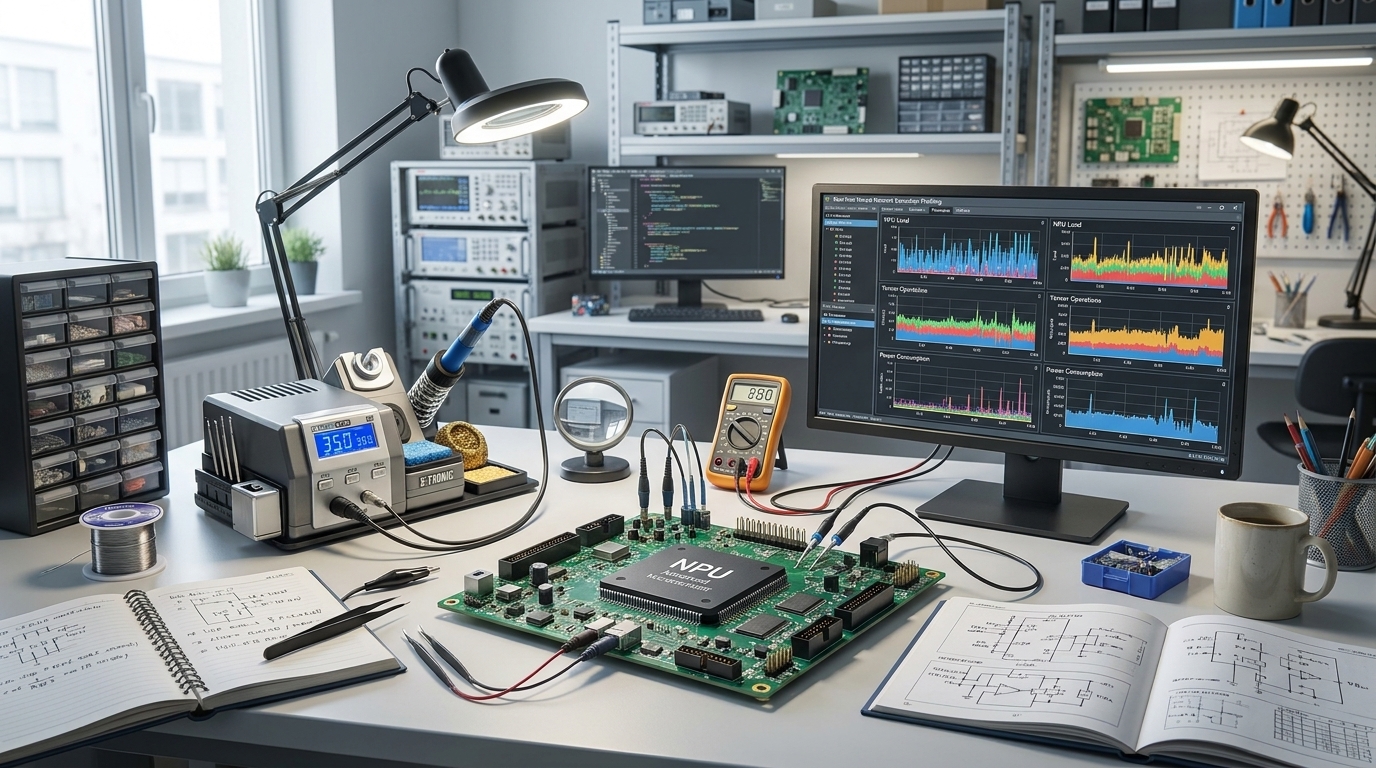 MCU with Built-in NPU: How to Pick an Edge AI Microcontroller in 2026UTMEL30 July 20261164
Evaluating Edge AI microcontrollers requires looking beyond vendor-quoted TOPS metrics. This guide explains how to segment candidate parts into sensor, control, or vision tiers, calculate binding SRAM constraints, verify NPU operator support to avoid CPU fallbacks, and navigate production lifecycle risks. Follow a practical five-step engineering sequence to benchmark real models on physical evaluation boards.
Read More Top 5 Microcontrollers Defining IoT, Edge AI, and Power Efficiency in 2026: Sourcing and Selection GuideUTMEL15 August 2026601
This guide reviews the top five microcontrollers defining 2026 embedded designs—ESP32-S3, STM32U5, MSPM0G5187, CH32V003, and nRF54. It evaluates how contiguous SRAM limits, power duty cycling, and hardware acceleration impact edge AI and IoT performance. It also details strategic procurement methods for navigating mature-node supply chain risks, dual-footprint layouts, and component authentication.
Read More Arduino vs. Raspberry Pi: A Detailed ComparisonUTMEL24 April 20255765
Hello everyone, welcome to the new post today.This guide is going to talk in detail about Arduino vs. Raspberry Pi to clarify their differences and help you pick the right board based on your needs.
Read More
Subscribe to Utmel !
![CAT2A032GKKBCA00EAA0]() CAT2A032GKKBCA00EAA0
CAT2A032GKKBCA00EAA0TDK Corporation
![CAT2A400GKJDCA00EAA0]() CAT2A400GKJDCA00EAA0
CAT2A400GKJDCA00EAA0TDK Corporation
![SQF-S10Z2-128GCSBE]() SQF-S10Z2-128GCSBE
SQF-S10Z2-128GCSBEAdvantech Corp
![96CFS-4G-CT-APU]() 96CFS-4G-CT-APU
96CFS-4G-CT-APUAdvantech Corp
![SQR-SD4M16G2K6SECB]() SQR-SD4M16G2K6SECB
SQR-SD4M16G2K6SECBAdvantech Corp
![MTA18ASF2G72PDZ-3G2R1]() MTA18ASF2G72PDZ-3G2R1
MTA18ASF2G72PDZ-3G2R1Micron Technology Inc.
![SFUI4096J2AB1TO-C-MS-2A1-STD]() SFUI4096J2AB1TO-C-MS-2A1-STD
SFUI4096J2AB1TO-C-MS-2A1-STDSwissbit
![AP-CF256MRBNS-ETNRG]() AP-CF256MRBNS-ETNRG
AP-CF256MRBNS-ETNRGApacer Memory America
![AP-CF002GRBNS-NRG]() AP-CF002GRBNS-NRG
AP-CF002GRBNS-NRGApacer Memory America
![AP-CF512MRBNS-NRG]() AP-CF512MRBNS-NRG
AP-CF512MRBNS-NRGApacer Memory America